QuickShot Pro

Own your screenshots instead of handing them to someone else.

QuickShot Pro is a Windows screenshot, annotation, save, upload, and gallery package. Use it locally, or connect it to your own hosting with the included server files.

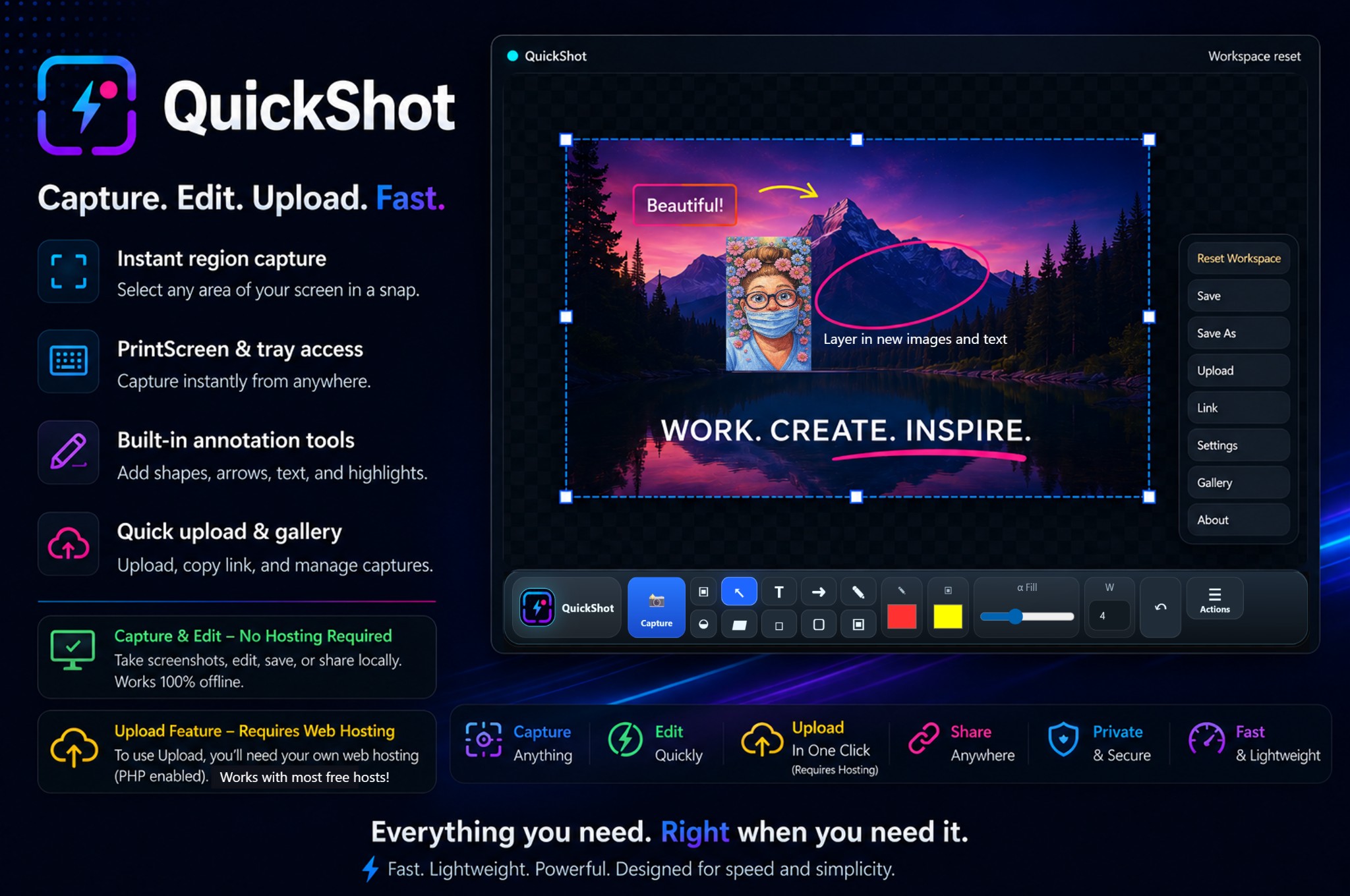
QuickShot Pro app workspace and feature advertisement

What it does

Capture. Edit. Save. Upload to your own server.

QuickShot Pro was designed to avoid the common screenshot trap: uploading private or work images to a third-party service you do not control.

Local tools

Capture screenshots, select screen regions, annotate images, save files, and work locally without hosting.

  • Region capture
  • PrintScreen/tray workflow
  • Shapes, arrows, text, highlights, and image tools

Self-hosted upload

Use the included PHP server files to upload and manage screenshots through your own hosting.

  • Upload/gallery server files included
  • Copy/share uploaded links
  • Works with compatible PHP web hosting
Important: Screenshot capture, editing, and local saving do not require hosting. Upload and gallery features require compatible web hosting.

Included package

QuickShot Pro includes the app and the server-side pieces.

ComponentIncludedPurpose
Windows appYesCapture, edit, save, upload, and manage screenshots.
Server filesYesUpload/gallery functionality for your own hosting.
User guide PDFYesExplains the app workflow and main tools.
Server setup PDFYesExplains where to upload/configure the hosting-side files.

FAQ

QuickShot questions

Does QuickShot Pro require hosting?

No for capture/edit/save. Yes for upload/gallery features.

Why include server files?

The point is control. You can host your own screenshot uploads instead of depending on a third-party screenshot service.

Can I use it only as a local screenshot editor?

Yes. The local capture and editing workflow is useful even without setting up uploads.